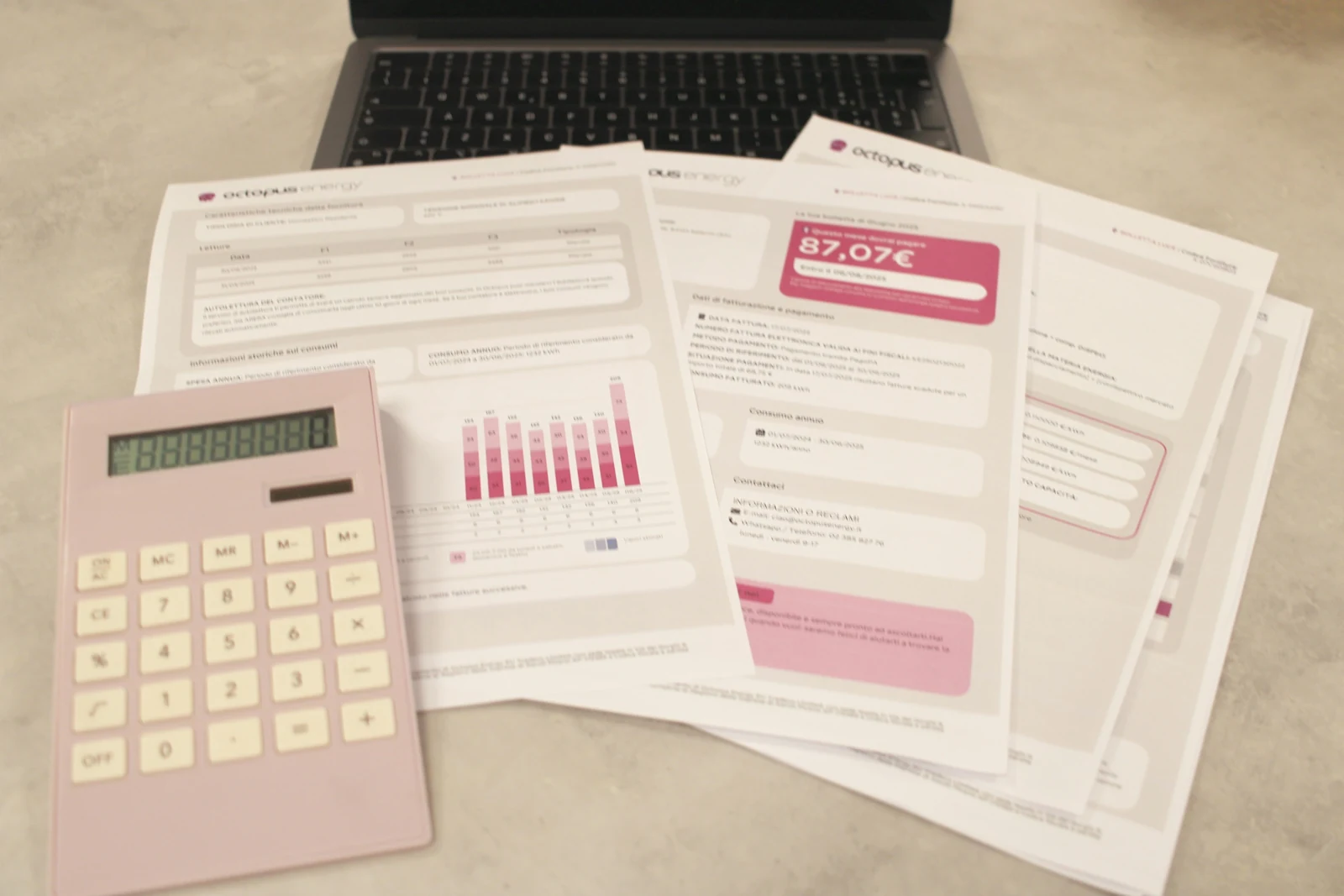
Many organisations still re-type information from invoices, application forms, delivery notes and letters into their systems. Document processing automation can remove much of that work, provided it is designed around review and verification.
The typical workflow
- Capture: documents arrive by email, upload or scan.
- Classify: the system identifies the type of document.
- Extract: key fields such as dates, amounts, reference numbers and names are read.
- Validate: extracted values are checked against rules and existing records.
- Review: a person confirms or corrects uncertain results.
- Route: confirmed data is passed to the right system or team.
Start with consistent documents
Begin with a document type that is frequent, reasonably consistent and costly to handle manually. High-volume, predictable documents give the fastest return and the clearest measure of success.
Validation does most of the heavy lifting
Extraction will sometimes be wrong. Validation rules catch many errors automatically, for example:
- totals must equal the sum of line items;
- a supplier must exist in your records;
- a date must fall within an expected range;
- a reference number must match a known order.
Records that fail validation, or where the system is not confident, go to a person.
Design the review screen carefully
Reviewers should see the original document beside the extracted fields, with uncertain values highlighted. Corrections should take seconds. A good review interface is often the difference between a system that saves time and one that creates new work.
Keep an audit trail
Record what was extracted, what was changed during review and who approved it. This supports accountability, troubleshooting and any audit requirements.
Measure and improve
Track how many documents pass straight through, how many need correction and which fields cause the most errors. Use this to refine rules, improve templates or adjust thresholds over time.
Handle sensitive information properly
Documents often contain personal or financial data. Control access, retain documents only as long as necessary and understand how any external processing service handles your data.
Done well, document automation shifts staff from typing to checking, and from checking everything to checking only the exceptions.