Automating a confused process produces faster confusion. The most successful automation projects begin by understanding and simplifying the work before choosing any tool.
Map the current process
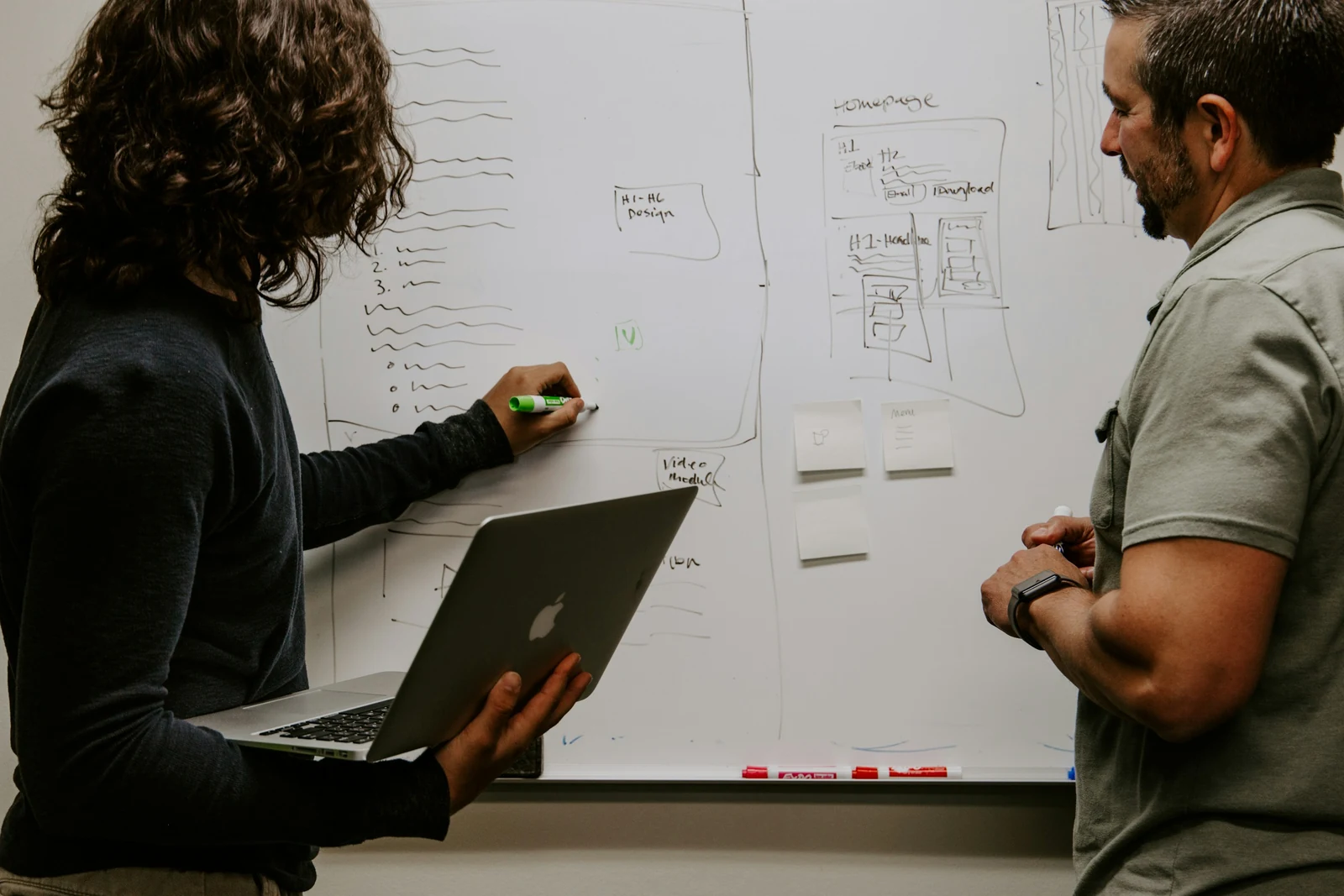
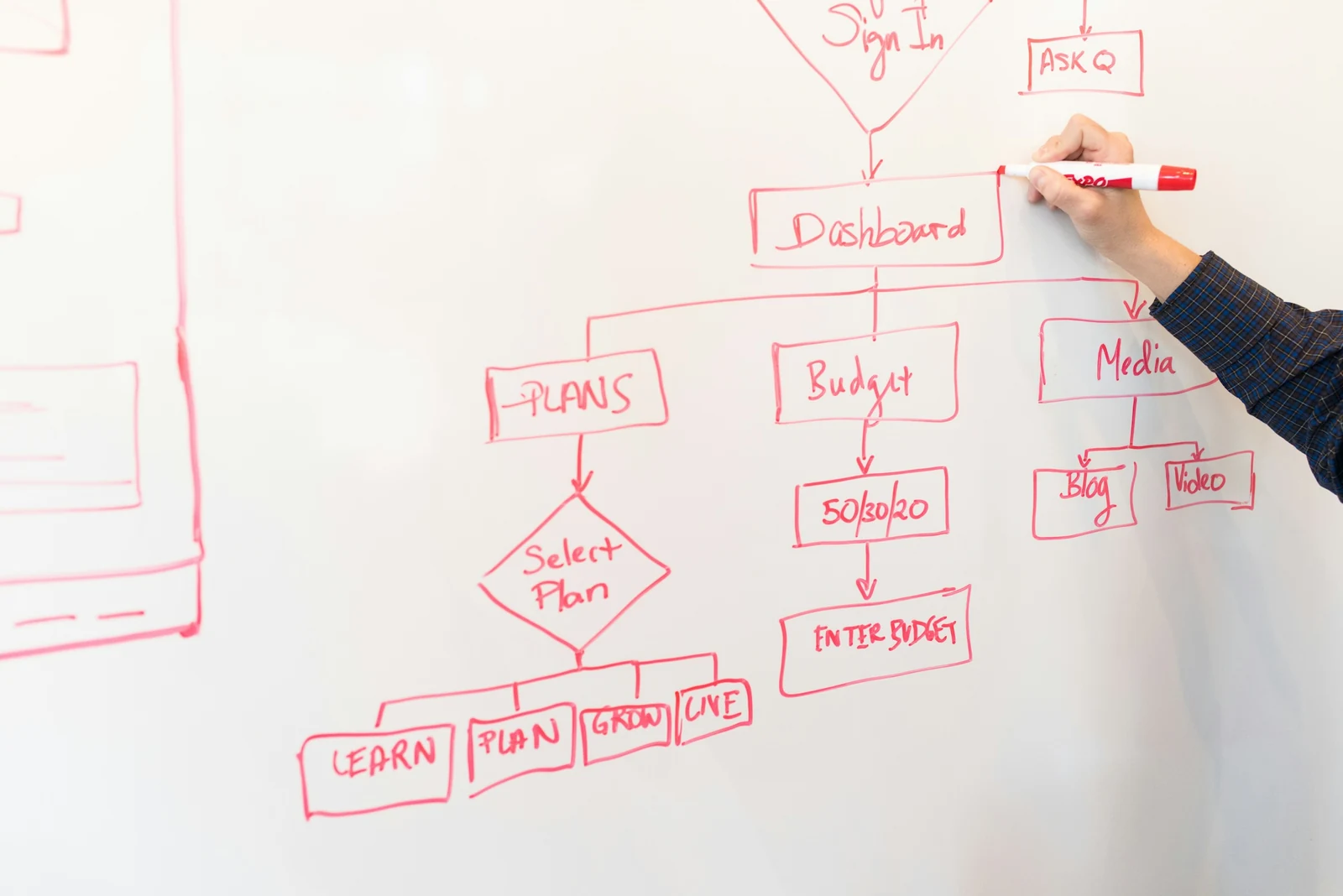
Walk through the process with the people who do it. Record each step, who performs it, what information they need, how long it takes and where delays or errors occur. Pay special attention to waiting time between steps; it is often larger than the working time.
Simplify before automating
Ask of every step:
- Is it still necessary?
- Could it be combined with another step?
- Is the same information entered more than once?
- Does every approval add real control, or is it a habit?
Removing unnecessary steps is the cheapest automation there is.
Good candidates for automation
- Approvals with clear rules, such as purchases within a budget.
- Notifications and reminders when something is due or overdue.
- Moving data between systems that currently relies on copying and pasting.
- Generating standard documents from structured information.
- Collecting information through forms instead of email threads.
Keep exceptions human
Most processes have a predictable main path and occasional unusual cases. Automate the main path and route exceptions to a person with the information they need to decide. Trying to automate every rare case adds complexity quickly.
Choose tools that fit
Options range from features already inside your existing systems, to dedicated workflow platforms, to custom integrations. The right choice depends on the systems involved, the volume of work, security needs and who will maintain the automation.
Make automation visible
People should be able to see where an item is in the process and why. Automated steps should be logged, and failures should alert someone rather than silently stopping.
Measure the effect
Before you start, measure how long the process takes and how often errors occur. Measure again afterwards. This shows whether the automation worked and where to improve next.
Assign an owner
Every automated workflow needs someone responsible for it. Processes change, and automation that nobody owns eventually breaks or drifts out of step with how work is really done.